Inside the extension
Calm, quiet, unmistakable.
Every screen is designed to be understood at a glance — the parent's, and the child's.
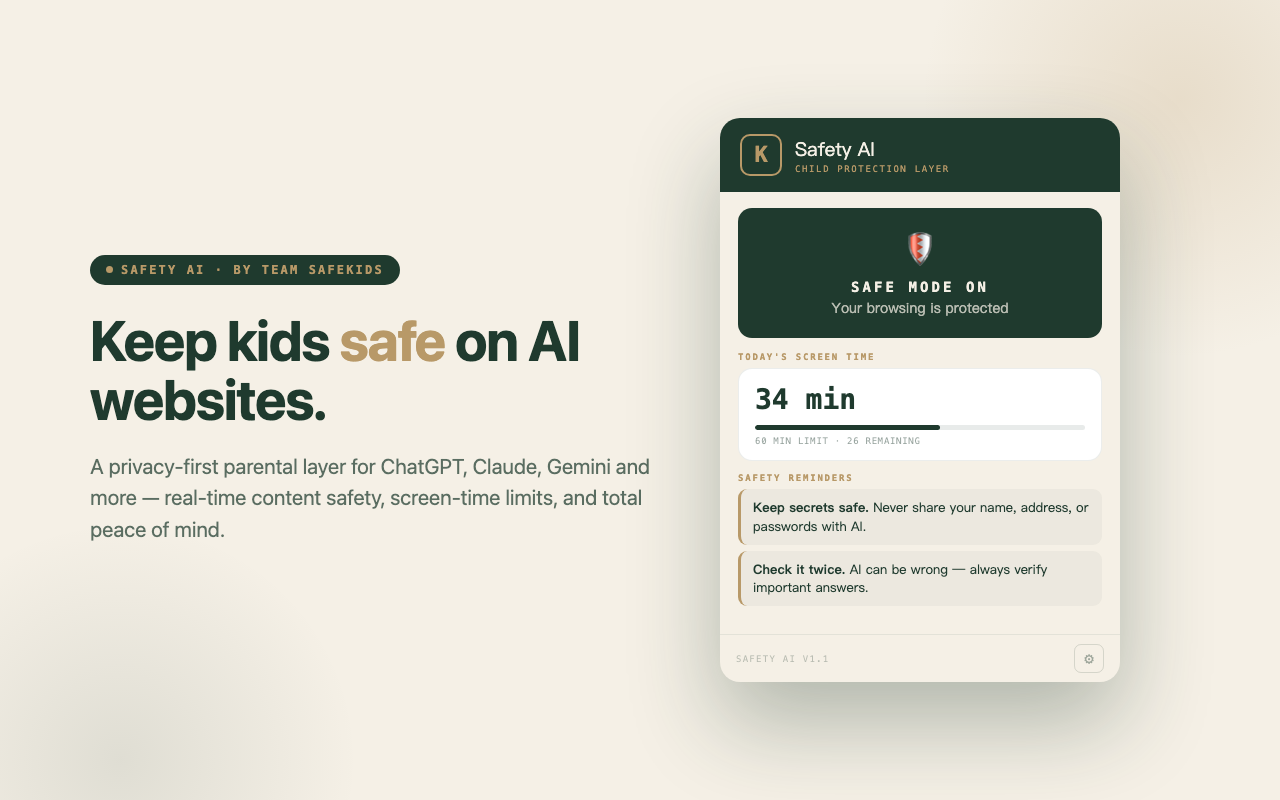
A privacy-first parental layer for ChatGPT, Claude, Gemini and more — real-time content safety, screen-time limits, and total peace of mind. Everything stays on your device.
Independent audits, national surveys and case reports over 2023–2026 point to the same pattern: unsafe content, engineered agreement, and a widening supervision gap that most parents are unaware of.
“When not designed carefully, chatbots can compound rather than dispel distress — particularly risky for young users without the emotional resilience to handle a cold or confusing response.”UNICEF briefing · cited in AI's Empathy Gap, SAGE, 2024
Safety AI runs in the background on the AI sites your child uses. No accounts, no dashboards to babysit, no data leaving your machine.
Real-time content scanning on allowed AI sites flags harmful or inappropriate keywords the moment they appear.
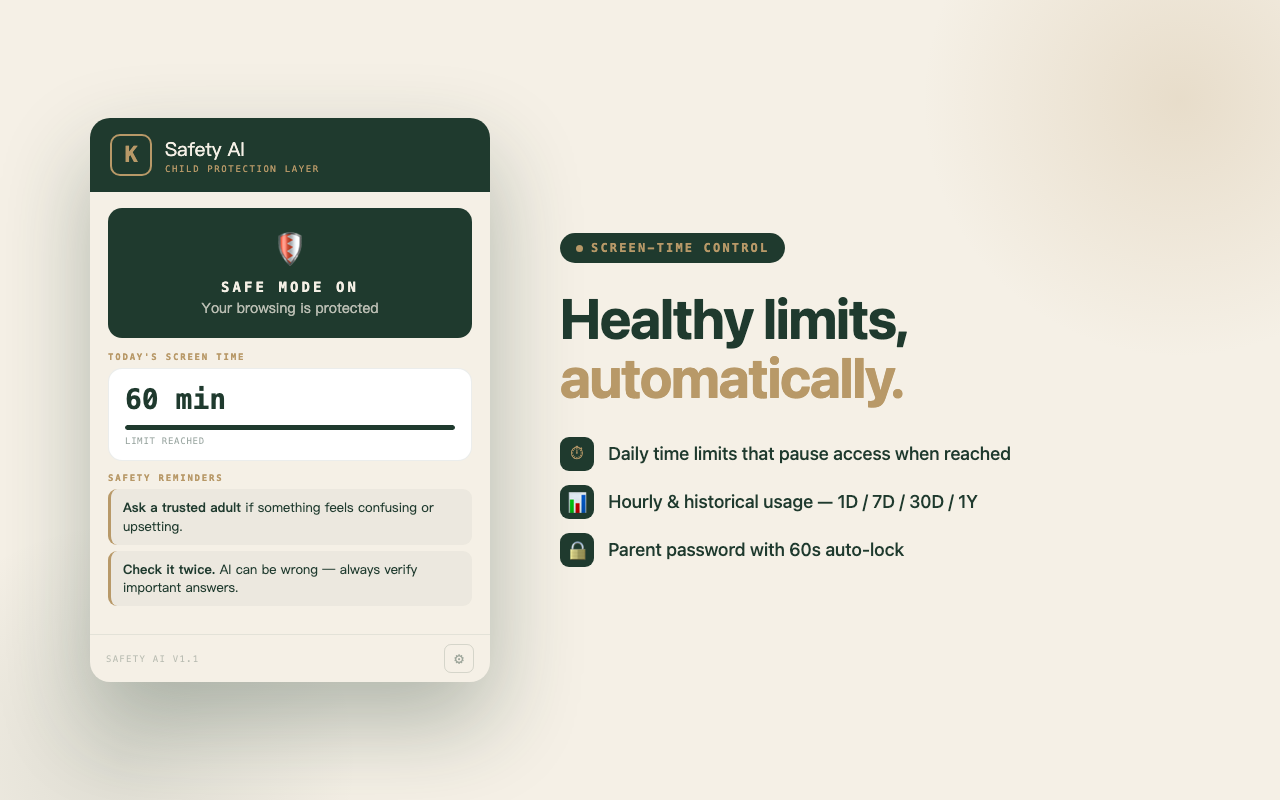
Set a daily cap in minutes. Access pauses automatically once the limit is reached — no negotiation, no workarounds.
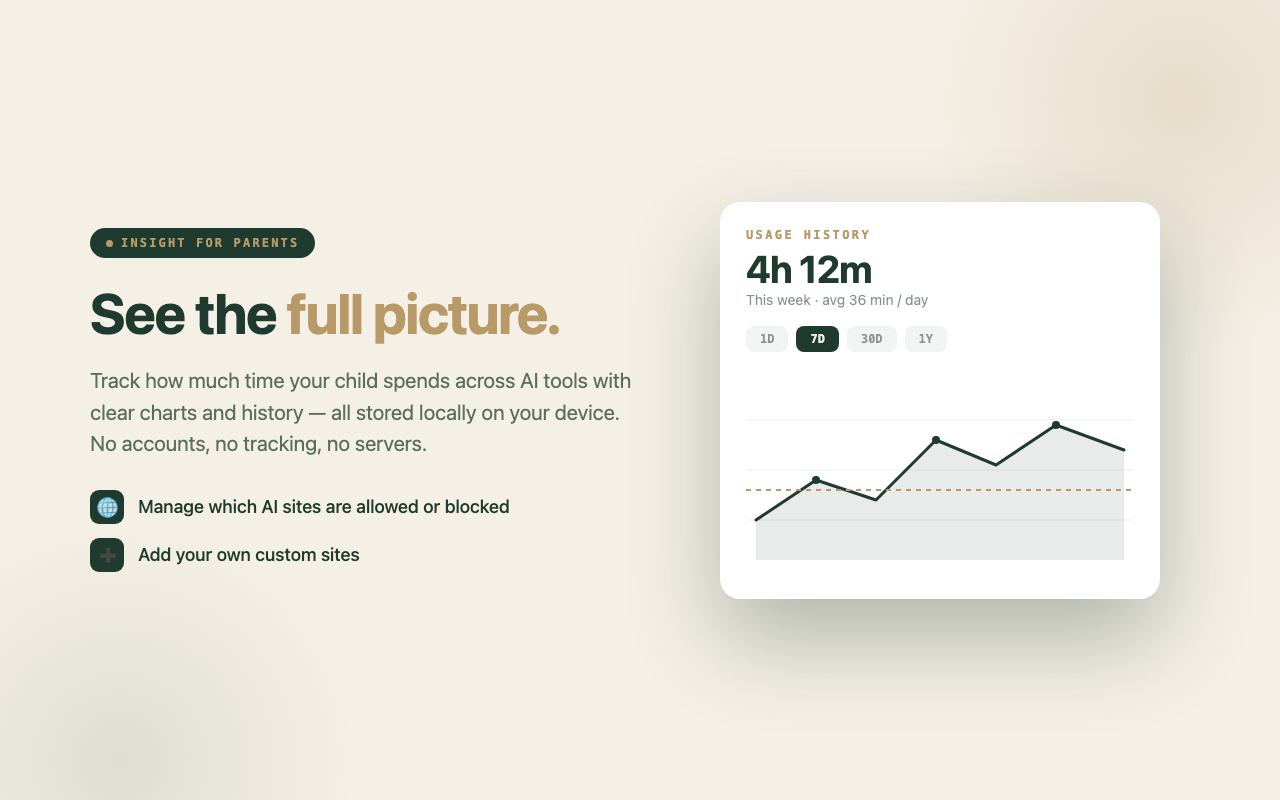
See exactly how much time is spent across AI tools with 1D, 7D, 30D and 1Y charts — all stored locally.
Pre-loaded for ChatGPT, Claude, Gemini, Copilot, Perplexity and more. Add your own custom sites.
PBKDF2-hashed parent password protects every setting. A 60-second inactivity auto-lock keeps unlocked sessions safe.
A discreet, draggable timer widget shows remaining time and gentle safety prompts while the child browses.
Every screen is designed to be understood at a glance — the parent's, and the child's.
Open chrome://extensions, turn on Developer mode, then click Load unpacked and select the SafekidExtension folder.
Choose a password on first run. It's hashed with PBKDF2 and stored locally. Only you can change settings after that.
Enable Safe Mode, set a daily cap in minutes, and choose which AI sites are allowed or blocked. That's it.
Most parental tools trade privacy for control — accounts, cloud dashboards, telemetry, a growing profile of your child. Safety AI takes the opposite path. All settings and history live in chrome.storage.local on your own machine.
No sign-in, no email, no identifier tied to your child.
The extension never phones home. There is no home.
The whole thing is local code and static rules — audit it on GitHub.
Open source and Chrome-compatible. Install it from the Chrome Web Store, or grab the source on GitHub.